
Table of Contents
- What Makes an Interior Design App Worth Your Time
- Free Interior Design Apps: What You Actually Get
- AI Interior Design Apps and Photo-Based Redesign
- Choosing a Room Planner App for Accurate Floor Plans
- The Best Interior Design App for iPhone and Android
- Pricing, Privacy, and Platform Compatibility Compared
- Conclusion
- Frequently Asked Questions
Last Updated: October 14, 2026
What Makes an Interior Design App Worth Your Time
The best interior design apps for homeowners match your actual project, not the flashiest gallery. At SpaceKits, we build downloadable design plans, so we see daily how homeowners get pulled toward beautiful renders that never translate into a workable room.
Interior design apps fall into two broad camps, and knowing which one you need saves hours of frustration.
Inspiration tools show you what a space could look like. Planning tools tell you whether it will actually fit.
Inspiration tools lean on photo-based redesign and AI styling: upload a picture of your room and get a restyled version in seconds. They are excellent for narrowing a style direction, testing paint colors, or choosing between two sofa silhouettes. What they do not do is measure anything, a render can show a king bed in a room that only fits a queen.
Planning tools work the other way: draw or scan a floor plan, set real dimensions, and place furniture against those constraints. The output is less glamorous, but it survives contact with a delivery truck.
The Nielsen Norman Group's usability research makes a related point about design software generally: people abandon tools that make the first task feel like work. If you cannot get a usable floor plan or a single styled image within your first session, the app is wrong for you regardless of its feature list.
Free Interior Design Apps: What You Actually Get
Free interior design apps are genuinely useful, with limits that show up at the worst moment: most free tiers cap projects, restrict high-resolution exports, or lock 3D rendering behind a subscription.
Here is what free plans typically include and where they stop:
- Unlimited basic room layouts in 2D, often with a limited furniture catalog
- A small number of 3D renders per month, sometimes watermarked
- Photo-based redesign limited to a handful of uploads
- No commercial use rights, which matters if you are staging a rental
The pattern is consistent: free tiers are generous enough to learn the interface and stingy enough that any real project pushes you toward a paid plan. The trap is starting a full-home project on a free plan and hitting the export limit halfway through.
A practical approach: use the free tier to test whether the workflow suits you. If you only need one room and screenshots are fine, free may carry you the whole way.
AI Interior Design Apps and Photo-Based Redesign
AI interior design apps are the fastest way to test a style direction, and results are better than two years ago. Photograph a room, choose a style, and the app returns a redesigned version, removing the hardest part for homeowners who cannot visualize from a floor plan.
The limitation is accuracy. AI redesign works on the image, not on the room. It does not know your ceiling height, your door swing, or that the wall you want to remove is load-bearing. Treat the output as a mood board, not a plan.
That is where a hybrid workflow pays off. Use an AI or photo-based tool to settle on a direction, warm minimalism, mid-century, coastal, then move to a planning tool or pre-designed template to work out placement against real dimensions. SpaceKits kits are built for that second step, with furniture layout guides, paint colors, and clickable shopping lists organized by budget tier.

A few habits that make AI redesign more useful:
- Shoot from a corner at eye level, not from the doorway
- Turn on every light and open the curtains first
- Redesign one room at a time so styles stay consistent
- Save your favorite outputs side by side before committing
Choosing a Room Planner App for Accurate Floor Plans
A room planner app is only as good as its measurement workflow, and this is where most homeowners cut corners. Eyeballing dimensions from a photo produces plans that look right and fit wrong.
Measuring a room. A tape measure plus a phone app beats a phone-only scan for anything you will buy furniture against. Room-scanning features are convenient and improving, but accuracy drifts on reflective surfaces, in low light, and around clutter.
Testing paint colors. This is where photo-based and AI tools shine: upload a photo, swap the wall color, compare options side by side. The catch is that screen color is not paint color, lighting, white balance, and monitor calibration all shift the result.
Planning furniture layouts. A planner app earns its keep here. Enter real dimensions, then place pieces against them. The reliable sequence looks like this:
- Measure each wall at floor level with a tape measure, in inches
- Note door and window positions, including which way doors swing
- Record ceiling height, especially in older homes with uneven ceilings
- Enter dimensions into the app before placing a single piece of furniture
- Check clearance for drawers, oven doors, and closet doors, not just the furniture footprint
That last step catches more problems than any other. A dresser can fit against a wall and still block a closet door from opening. Software will not always flag it; your tape measure will.
Preparing for a renovation. This is the job most apps handle worst, and where the gap between inspiration and planning tools matters most. A contractor needs dimensions, not a mood board.
For renters and anyone with odd angles, low ceilings, or a layout that resists a standard grid, templates still work if you treat them as a starting point rather than a blueprint.
The Best Interior Design App for iPhone and Android
The best interior design app for iPhone and Android lets you measure on-site and plan on the couch without losing work between devices. Platform compatibility matters more than most roundups admit, because you usually need the app while standing in an empty room with a phone in your hand.
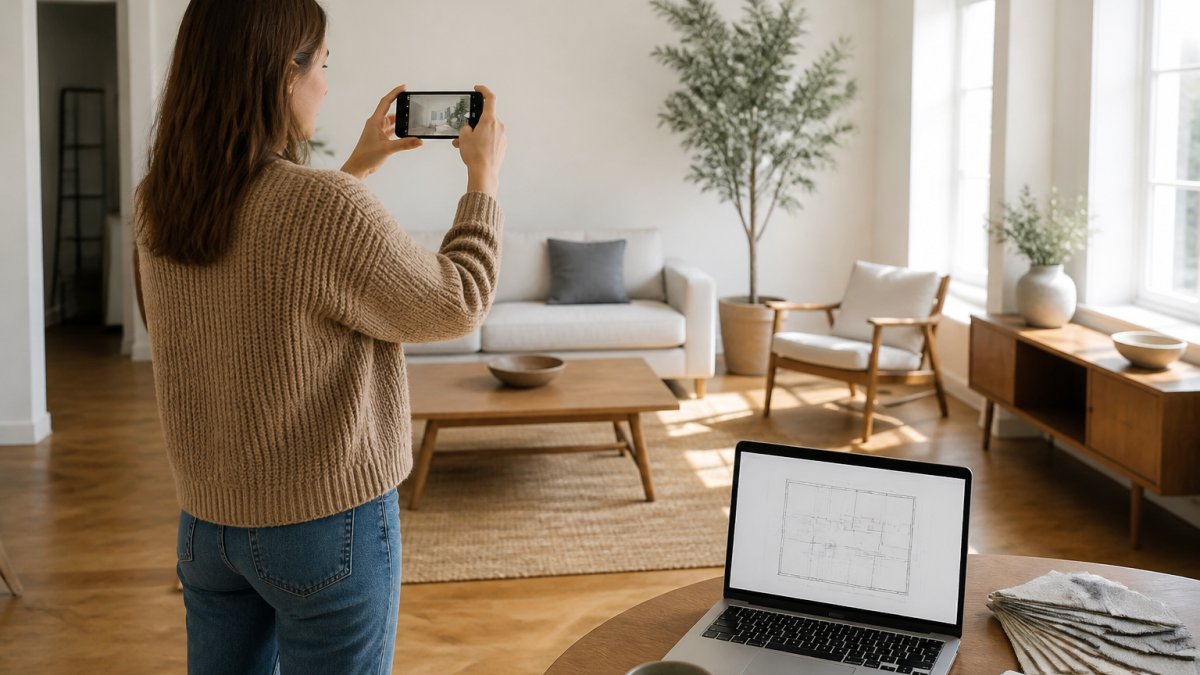
Native iOS apps generally handle room scanning and augmented reality better, since hardware and software come from the same company. Android apps vary more by device, and AR features that work on a flagship may not run on a budget model.
Web apps run on any device with a browser, including the laptop you already own. For a full-home project, a larger screen beats a phone every time: use a phone for capturing and measuring, and a laptop for the actual planning.
One consideration that rarely makes the comparison charts: export options. If you are working with a contractor, a painter, or a partner who disagrees with your taste, you need a plan you can share as a file or link.
Pricing, Privacy, and Platform Compatibility Compared
Pricing across interior design apps follows three models, and the fine print matters more than the sticker price: how many projects a free tier allows, whether exports carry a watermark, how many AI generations you get per month, and what happens to your files if you stop paying.
| Model | Typical Structure | Best For | Watch Out For |
|---|---|---|---|
| Free tier | Limited projects, watermarked exports, capped AI generations | Testing one room | Export caps and watermarks hit mid-project |
| Subscription | Monthly or annual, full features, cloud storage | Ongoing redesigns across several rooms | Cost compounds over a long renovation; files may lock if you cancel |
| One-time purchase | Single payment, permanent files, no live catalog updates | One-and-done projects | Fewer updates, no retailer-linked catalog refresh |
Subscriptions make sense if you are actively redesigning several rooms over months; a one-time purchase suits a homeowner furnishing a house once. SpaceKits sits in that third category: the Vol I. Collection is a one-time $299 purchase covering 49 downloadable templates across 10 rooms in five design styles, with a commercial license included.
Before you commit to any app, run this checklist against its current pricing page and terms:
- Free-plan project cap, how many rooms or boards before you hit a wall
- Export format and watermark, can you download a clean PDF, image, or file a contractor can open
- AI generation limit, how many photo redesigns or renders per month, and whether unused credits roll over
- Trial terms, length, whether a card is required, and whether it auto-renews at full price
- Cancellation and data retention, whether your projects stay accessible after you stop paying
- Refund policy, digital subscriptions often are non-refundable, so read before you buy
Because these terms change frequently, treat any pricing table, including this one, as a starting point and verify on the app's own page before you pay.
Privacy deserves a mention that most app roundups skip. Room-scanning and photo-based features work by uploading images of your home. The Federal Trade Commission's guidance on consumer privacy is a reasonable starting point for understanding what companies should be telling you.
On compatibility, no single app wins everywhere.
Conclusion
The hardest part of furnishing a home is not choosing a style, it is turning a style into a plan that fits your rooms, budget, and lease. Most apps solve half of that and leave you the rest.
SpaceKits closes the gap with downloadable templates created by licensed interior designers. Each kit includes furniture layout guides, paint colors, mood boards, and clickable shopping lists across budget, mid, and investment tiers, so you can follow a professional plan exactly or swap pieces to match your taste. For a one-time $299, the Vol I. Collection gives you 49 templates across 10 rooms in five design styles, with a commercial license included.
Get started with SpaceKits and turn your floor plan into a room you can actually live in.
Frequently Asked Questions
What is the best interior design app for homeowners?
The right pick depends on your goal. If you need accurate measurements and a floor plan before buying furniture, choose a room planner app with 2D and 3D rendering. If you want style direction fast, a photo-based AI tool or a downloadable template pack gives you a finished look without a designer's fee. Many homeowners use two: one app to map the space and one source for the design plan.
Is there a free AI interior decorator?
Several AI interior design apps offer a free tier that lets you upload a room photo and generate a restyled version. Free plans usually cap how many designs you can create per month and limit exports. Treat the free version as a test: run one room through it, check whether the suggested furniture fits your actual dimensions, then decide if the paid tier is worth it.
Can interior design apps create floor plans?
Yes. Room planner apps let you draw walls, place doors and windows, and set real dimensions, then view the layout in 2D or 3D. Accuracy depends on your input, so measure with a tape rather than estimating. A floor plan is what separates a usable plan from inspiration, since it tells you whether a sofa actually fits before you order it.
Is there a free interior design app for iPhone?
App Store listings change often, so check current ratings and free-plan limits before downloading. Most free interior design apps for iPhone include a basic room planner, a photo redesign feature, or a small template library. If you want a full room plan with paint colors, layout guides, and shopping links in one place, a paid template collection often costs less than a single designer consultation.